You paid for the sticker. You printed the instructions. You trained the host to point at it. And somehow, half your tables still pull out a printed menu (or don't look at any menu at all) instead of scanning. The good news: QR adoption problems almost always have a specific cause. The bad news: it's rarely the cause you'd guess. Here are the seven reasons guests ignore QR menus, and what to do about each.
The uncomfortable truth
QR menu adoption in full-service restaurants typically sits between 10% and 30% when a printed menu is also on the table. That's not a failure of the QR technology — it's a function of friction and context. Guests who already have a paper menu in their hand and a glass of water in the other hand are not going to fumble for their phone, open the camera, aim, and tap a notification unless something specific pushes them to.
Most QR menu problems come from ignoring that reality. Below are the specific failures, ranked by how much they tank adoption.
7 reasons guests ignore your QR code
1. The sticker is flat on the table
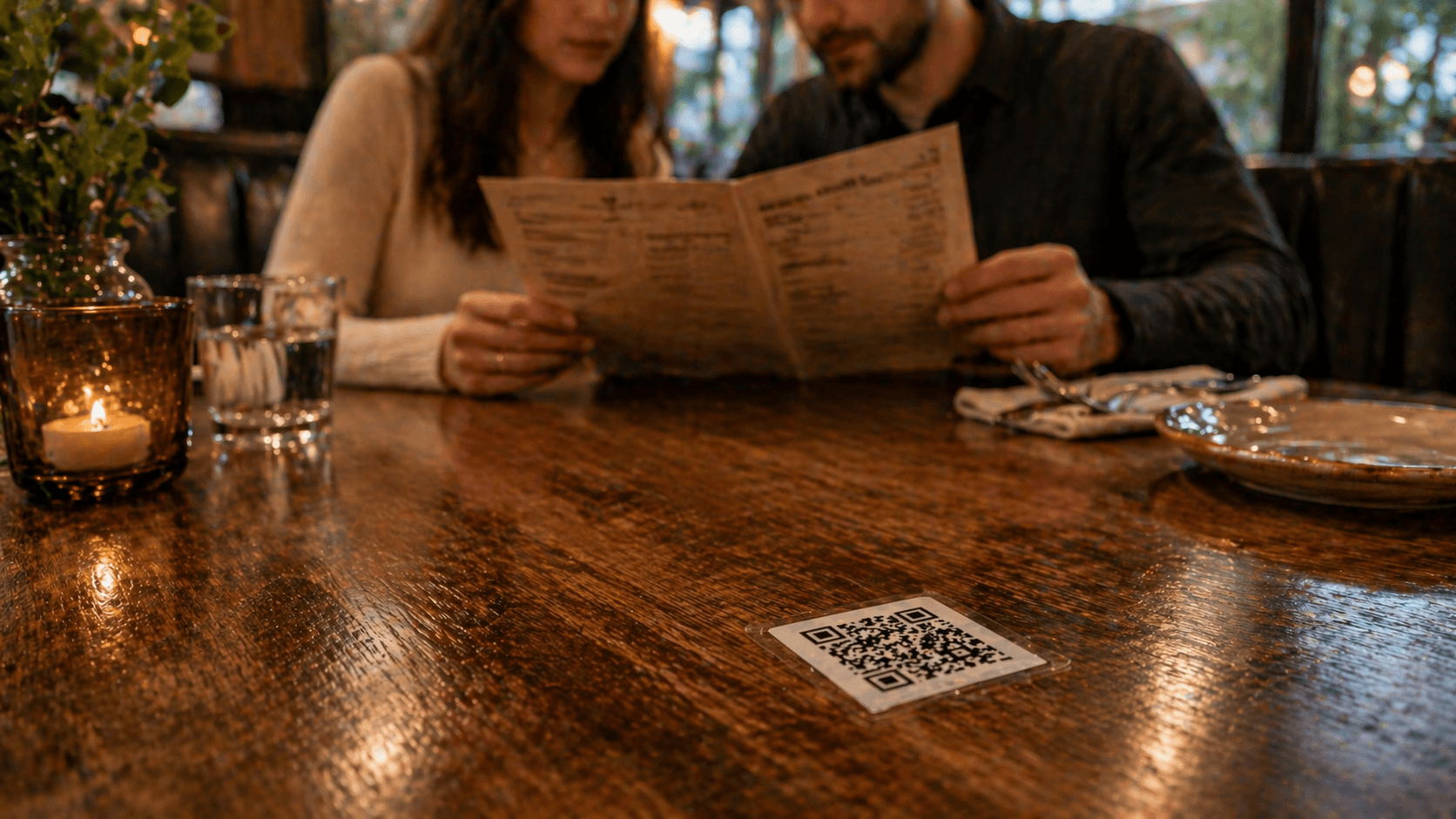
A QR code laminated flat on a tabletop is the worst possible placement. It's out of sight-line for a seated guest, collects food crumbs, and psychologically feels like a throwaway. Put the QR on a standing table tent, a menu-stand card at eye level, or printed on the edge of the physical menu. Anywhere vertical beats anywhere horizontal.
2. There's no context copy
“Scan me” is not enough. Guests need to know why. Try:
- “Scan for the full menu, including specials”
- “Scan to see today's tasting list”
- “Scan for allergen info”
Context gives the guest a reason to pick up the phone they were trying to keep in their pocket.
3. The page loads in 6+ seconds
Most QR menu pages in the wild are a PDF download or a slow-loading React app. On cellular data in a basement dining room, 6 seconds feels like forever. Guests abandon. Test your menu on your own phone on cellular data, in the slowest corner of your venue. If it's not readable in under two seconds, the code itself isn't the problem — the page is.
4. The menu demands an app or account
Anything between the scan and the menu is a conversion killer. “Log in to view,” “Download our app,” “Enter your phone number” — these all cut adoption dramatically. The menu should load instantly, in the browser, with no signup required. Optional loyalty opt-in after the menu is fine.
5. The menu UX is worse than paper
Tiny text. Hidden prices. A “click each category to expand” design that turns browsing into tapping. Every additional tap between the guest and a price is a tap they resent. Optimize for the single most common question: “what are my options and how much?”
6. Staff never mention it
This is the quiet killer. A ten-word script from the host — “Our full menu's on the card, tap or scan whichever works” — can lift adoption by 20 percentage points on its own. Train staff once. Test that every host and server is saying it. It's the highest-ROI change you can make this week.
7. Guests don't want to pull out their phone
The deepest reason, and the hardest to fix. Many dinner guests explicitly don't want to look at a screen during their meal — they've chosen the restaurant partly to be off their phone. For those guests, QR will always lose to paper, and you shouldn't try to win them over.
Tip
The goal isn't 100% QR adoption. The goal is correct-tool adoption — the guests who want to scan, can; the guests who want paper, can. A hybrid setup respects both.
A structural fix: NFC at every table
Four of the seven reasons above are structural, not content problems. Placement, copy, staff scripting, and load speed can all be improved — but the camera-open-aim-tap sequence can't be fixed, only replaced. Swapping it for a single tap removes the two highest-cost friction points at once. No camera. No aim. Works in low light. Works with a drink in the other hand.
The quantified impact is in how NFC increases table engagement, and the full comparison sits in NFC vs QR for restaurants. Platforms like Tappflow combine the tap with a web-native menu — no app, no guest account, nothing between the tap and the food.
Quick wins you can ship this week
Even if NFC isn't on your roadmap yet, here are changes you can ship in a single shift:
- Move the QR from the tabletop to a standing table tent at eye level.
- Rewrite the copy above the code to explain why guests should scan.
- Run the menu URL through a mobile speed test. If it's slow, host the menu on a faster platform.
- Add a ten-word host script: “Full menu's on the card — tap or scan, whichever works.”
- Remove any forced app or account screen between the scan and the menu.
- Print a readable fallback URL (like
yourvenue.com/menu) below the QR.
None of these require new hardware. All of them will move adoption in the right direction. If adoption is still stuck after you've shipped all six, the problem isn't fixable with copy changes — you've hit the structural ceiling of QR. That's when the NFC upgrade pays off.
Frequently asked questions
Industry observation varies widely. In full-service venues with a printed menu at the table, scan rates often sit between 10–30%. Quick-service venues where the QR is the only menu can see 60%+. Context and prompting matter more than the code itself.
A little, at the margins. A table tent at eye level outperforms a laminated card flat on the table. But after a certain size, a bigger sticker just looks worse without improving scans. Placement and context copy drive more lift than size.
No. You lose instant updates, allergen toggles, and guest capture. Instead, keep printed menus for ambiance and use a digital menu for dynamic content. A hybrid approach usually wins.
It removes the two biggest friction points — opening the camera and aiming — but it does not fix unclear signage or bad mobile UX. Treat NFC as a structural upgrade that complements better prompts and a faster menu page.
See Tappflow at work in your restaurant
NFC tags, a digital menu, and instant updates — built together so you never reprint a menu again.